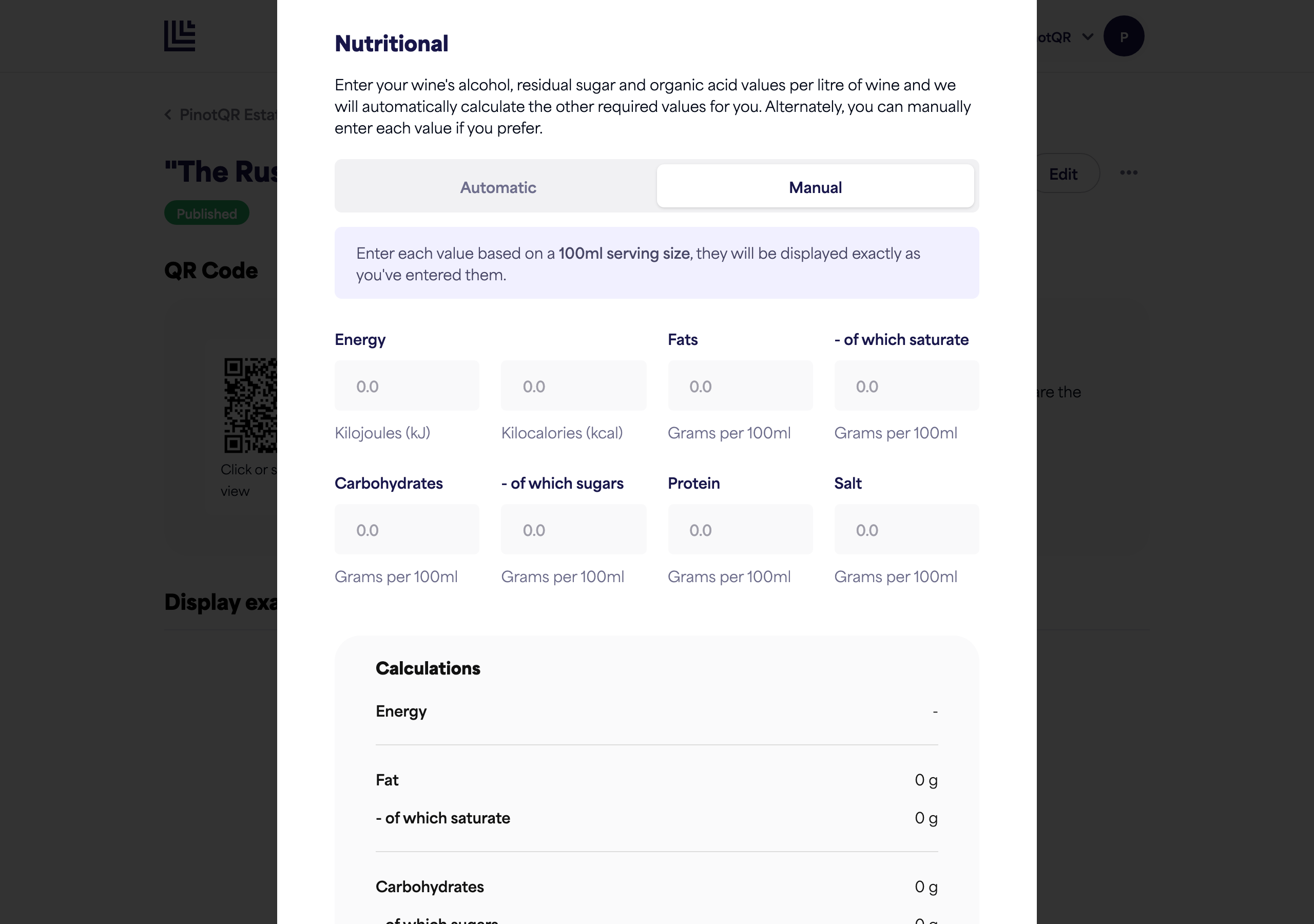
Adding nutritional information
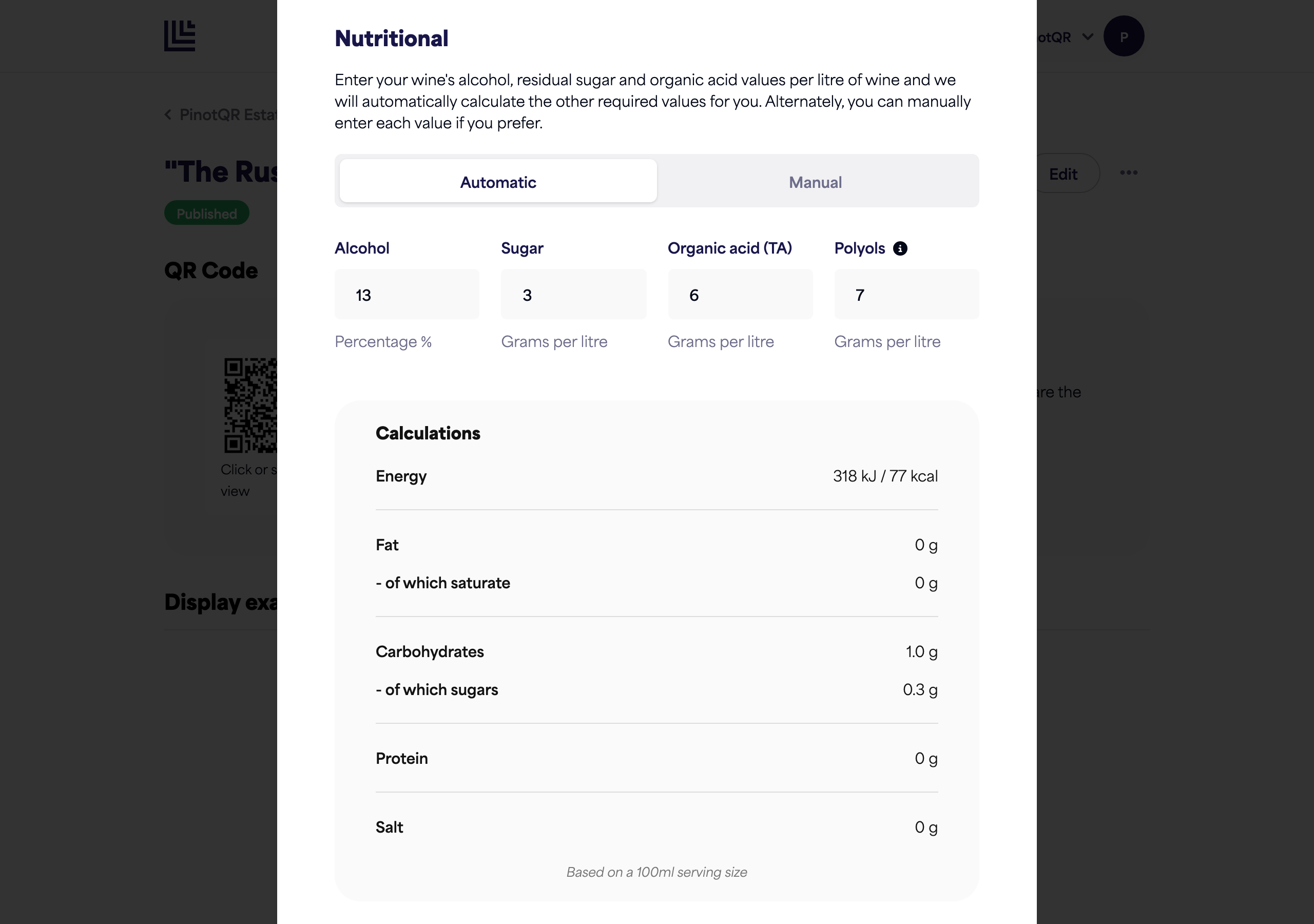
Let PinotQR calculate nutrition for you, or enter the values manually.
The Nutritional section produces the nutrition information shown on your e-label. There are two ways to fill it in: automatic calculation or manual entry.
Automatic calculation (recommended)
Enter a few base values and PinotQR calculates the rest (energy and the other required values) for you:
- Alcohol — percentage (%).
- Sugar — residual sugar, in grams per litre.
- Organic acid (TA) — in grams per litre.
- Polyols — a group of sugar alcohols, in grams per litre.
💡 Polyols: if you don’t know the exact value, common defaults are 5 for whites, 6 for blends, and 7 for reds. The effect on the calculation is negligible.
Manual entry
If you’d rather enter the full nutrition table yourself, switch to Manual. Enter each value based on a 100 ml serving size — they’re displayed exactly as you enter them:
- Energy (kJ and kcal)
- Fat, of which saturates
- Carbohydrates, of which sugars
- Protein
- Salt