Logging in and resetting your password
How to log in to PinotQR and what to do if you've forgotten your password.
Log in
- Go to the PinotQR login page.
- Enter the Email and Password for your account.
- Click Log in.
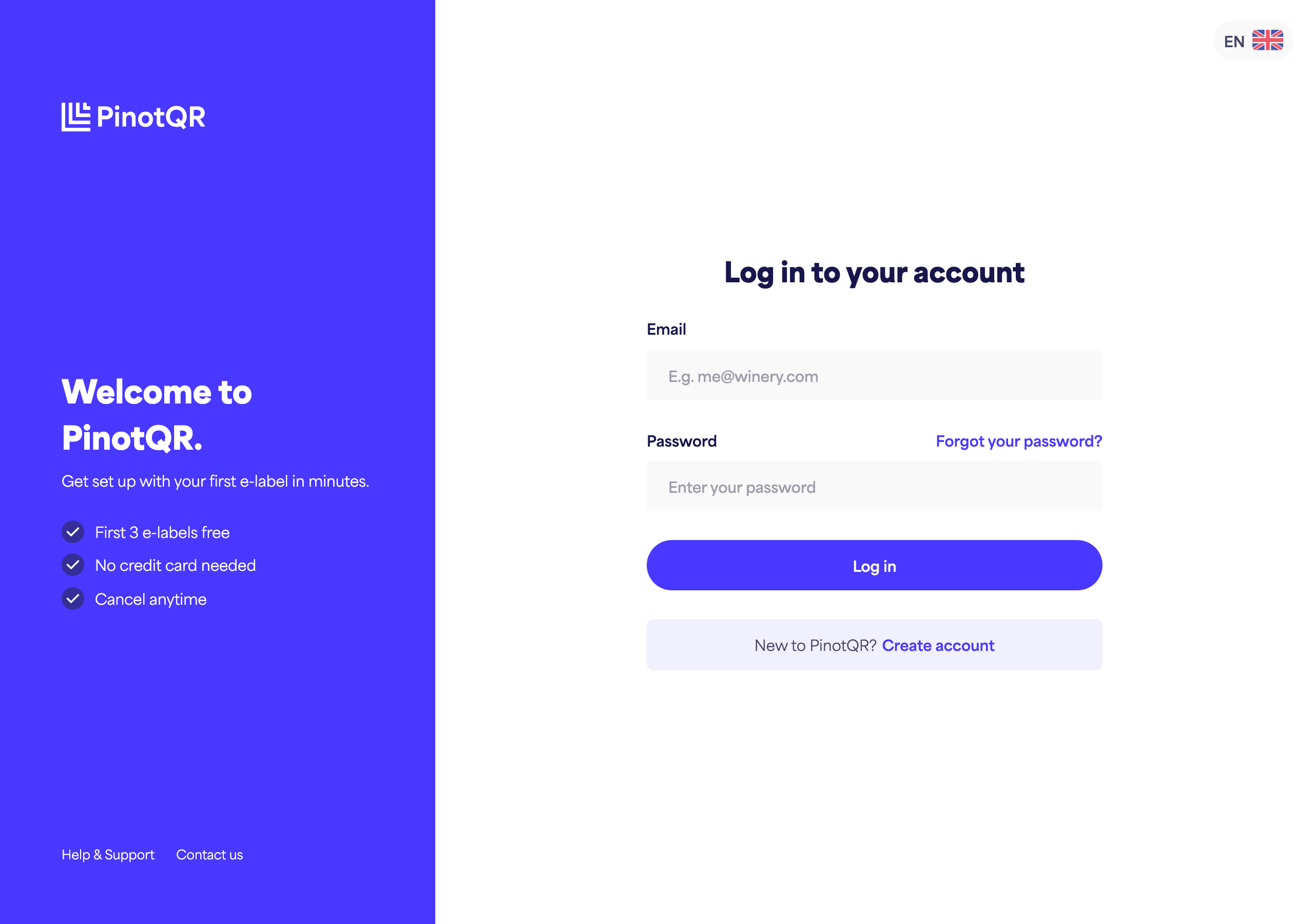
New to PinotQR? You’ll need to create an account first.
Reset a forgotten password
- On the login page, click Forgot your password?
- Enter the email address associated with your account.
- Click Reset Password.
- Check your inbox for an email with the subject “Reset your password” and click Set a new password.
- Enter your new password (and confirm it), then save.
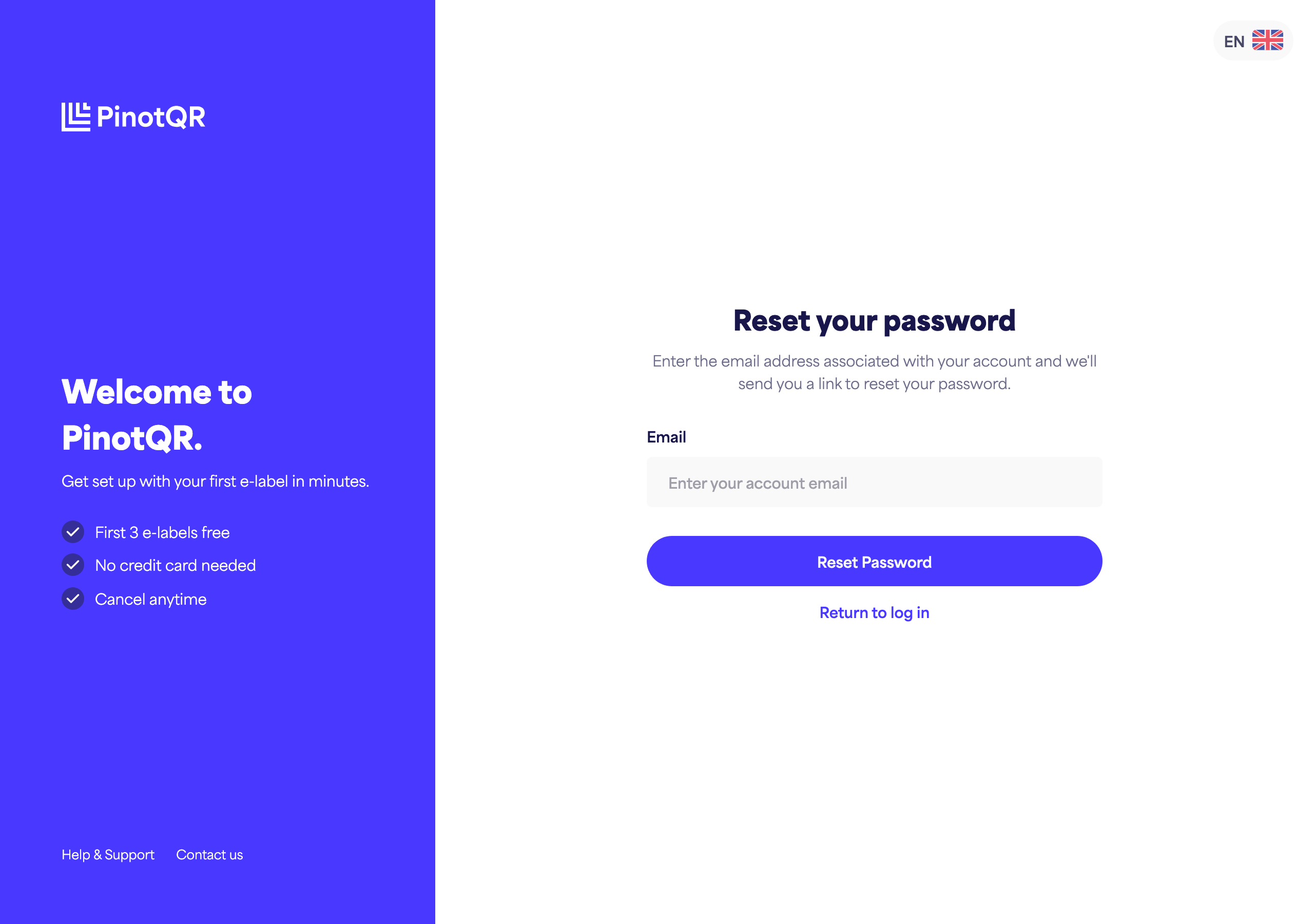
For your security, we’ll show the same confirmation whether or not the email matches an account on file. If the email doesn’t arrive within about 5 minutes, check your spam folder, or use the resend option.