Create your first brand
Set up a brand — the name you sell your wines under — so you can start adding e-labels.
In PinotQR, every e-label belongs to a brand. A brand is the name you sell your wines under, as it appears on your physical label. You’ll usually create one brand and add all of your wines (e-labels) under it.
Add a brand
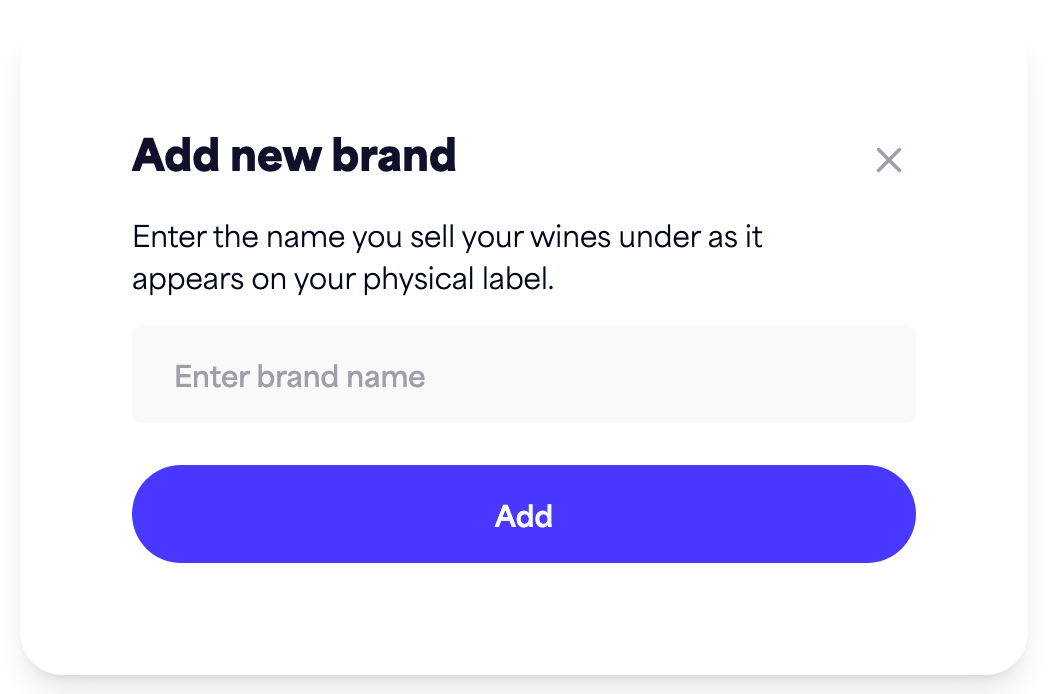
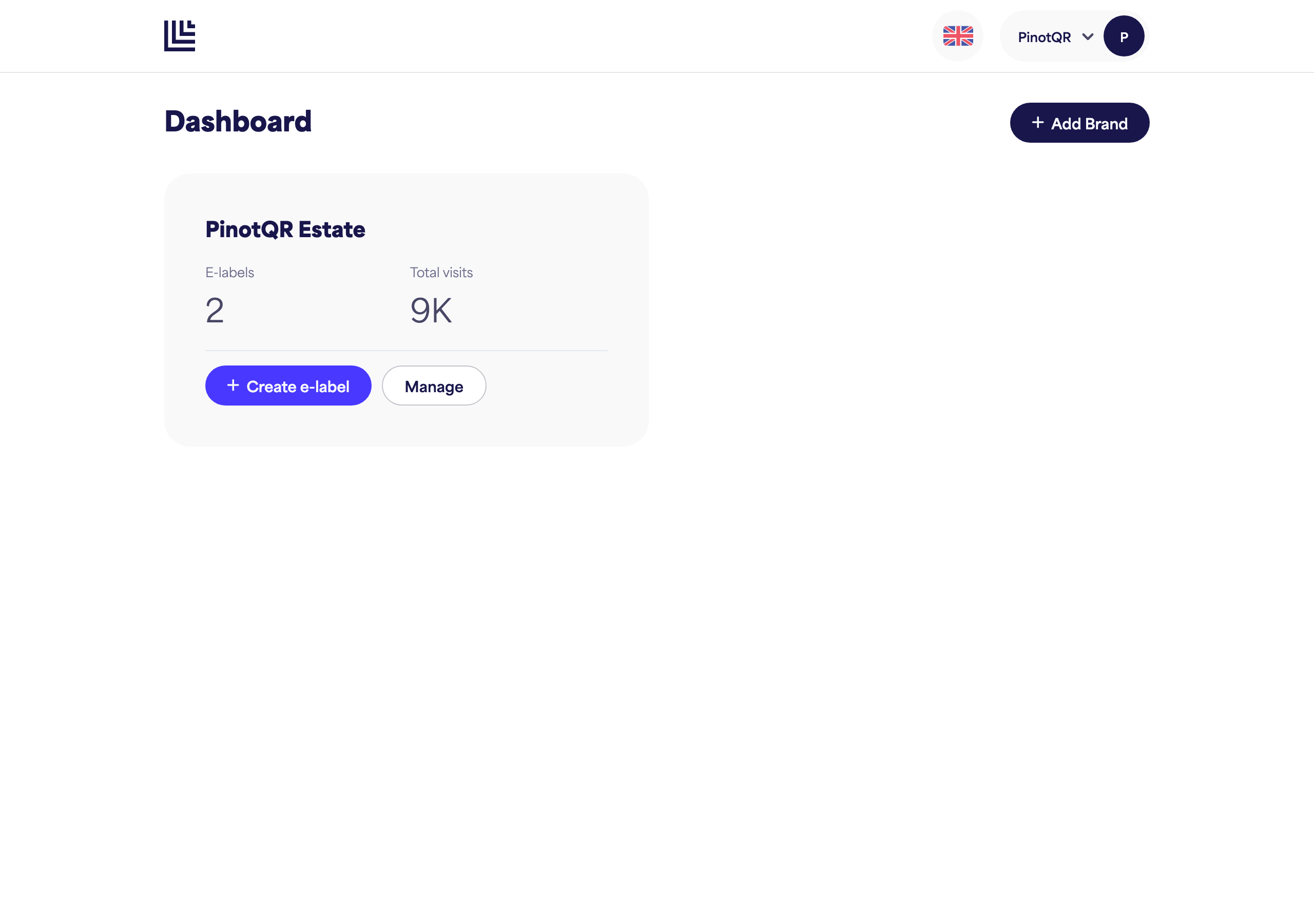
- From your dashboard, click Add new brand.
- Enter your brand name — the name you sell your wines under, exactly as it appears on your physical label (up to 100 characters).
- Click Add.
Your new brand appears on your dashboard. Click it to open it and start adding e-labels.
A note on plan limits
Your subscription determines how many brands you can have. On the free plan you can have a single brand — most wineries only need one. If you reach your limit, you’ll be prompted to upgrade or add brand capacity when you try to create another.