Duplicating a label
Copy an existing e-label to quickly create a similar one — for example, a new vintage.
Duplicating is the quickest way to create a label that’s similar to one you already have — for example, a new vintage of the same wine.
Duplicate a label
- Find the e-label and open its actions menu (the ⋯ button).
- Choose Duplicate.
- Select which sections to copy across. By default all are selected:
- Bottle image
- Ingredients
- Nutritional information
- Allergens
- Recycling
- Click Duplicate e-label.
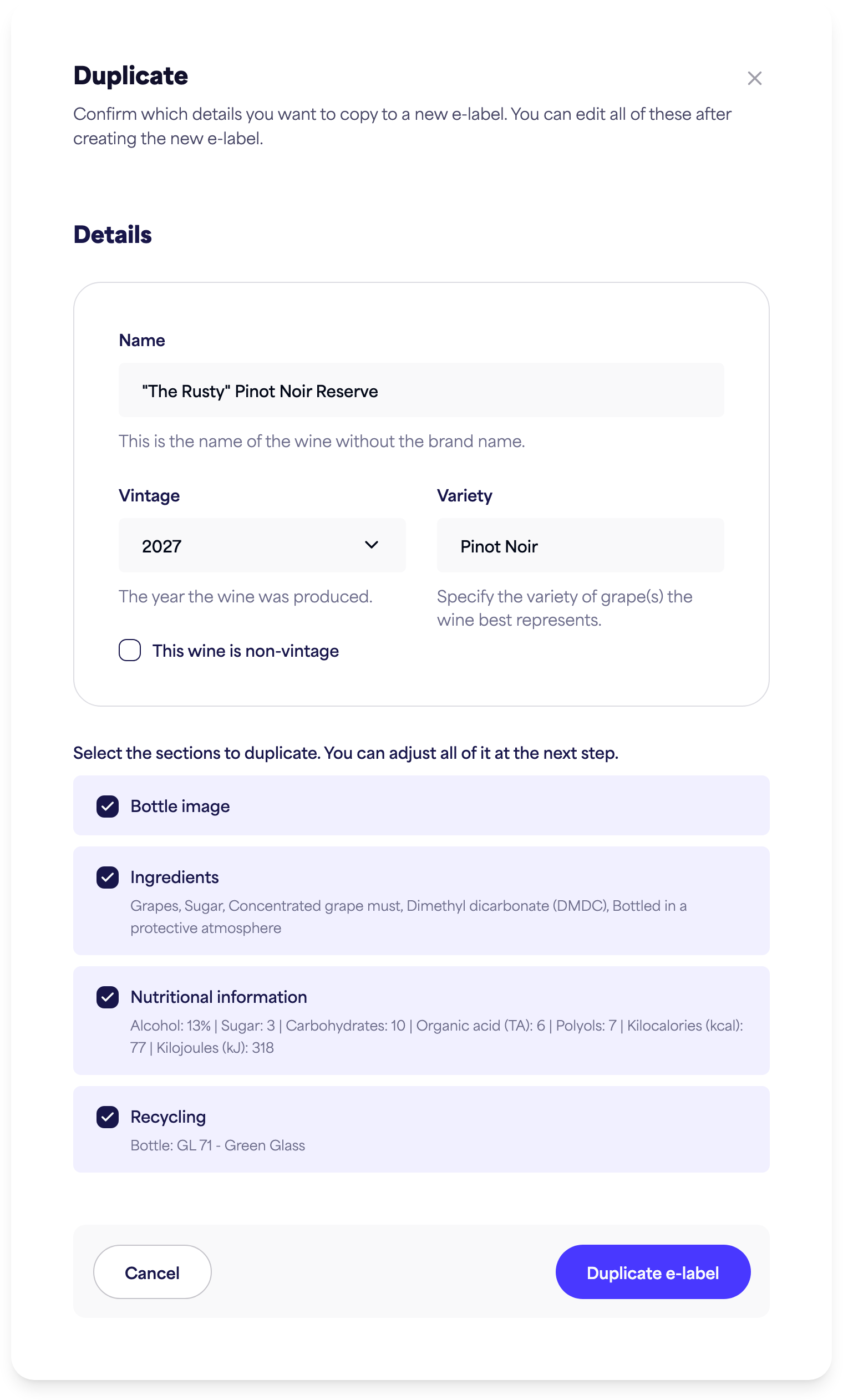
A new e-label is created with the sections you chose. You can edit everything afterwards — update the name, vintage, and any details that differ.
💡 A duplicate is a new e-label, so it counts towards your plan’s label limit. If you’re at your limit you’ll be prompted to upgrade.