Managing your brands
Create, rename, and delete the brands that hold your e-labels.
A brand is the name you sell your wines under, and it holds all of that name’s e-labels. Here’s how to create, rename, and delete brands.
Create a brand
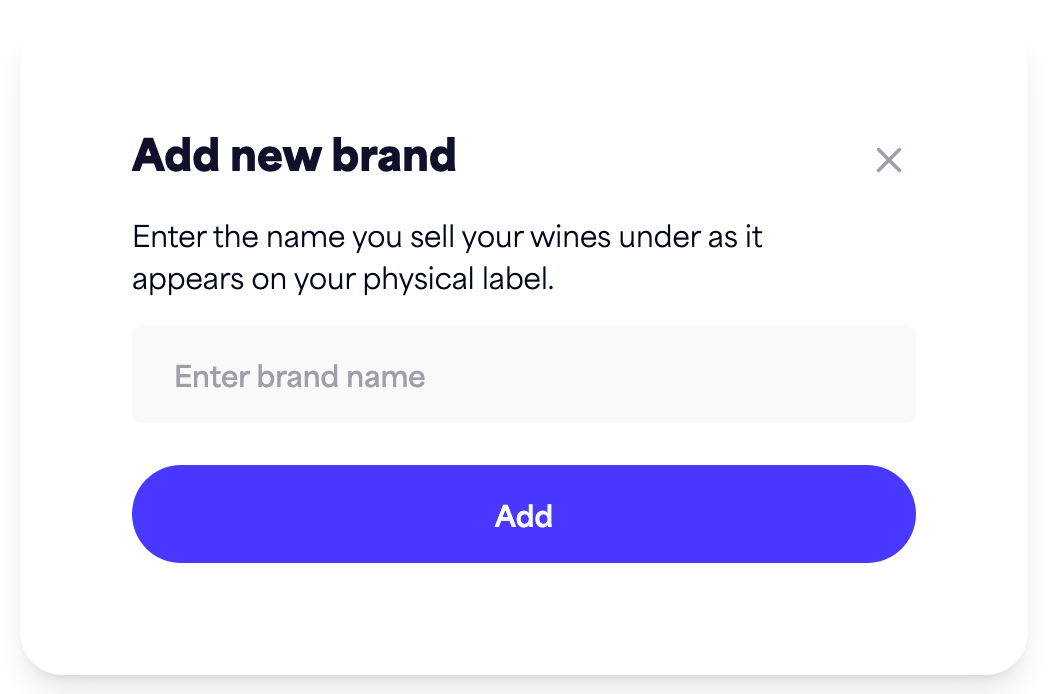
- From your dashboard, click Add new brand.
- Enter your brand name (up to 100 characters).
- Click Add.
The new brand appears on your dashboard. On the free plan you can have a single brand; paid plans allow more.
Rename a brand
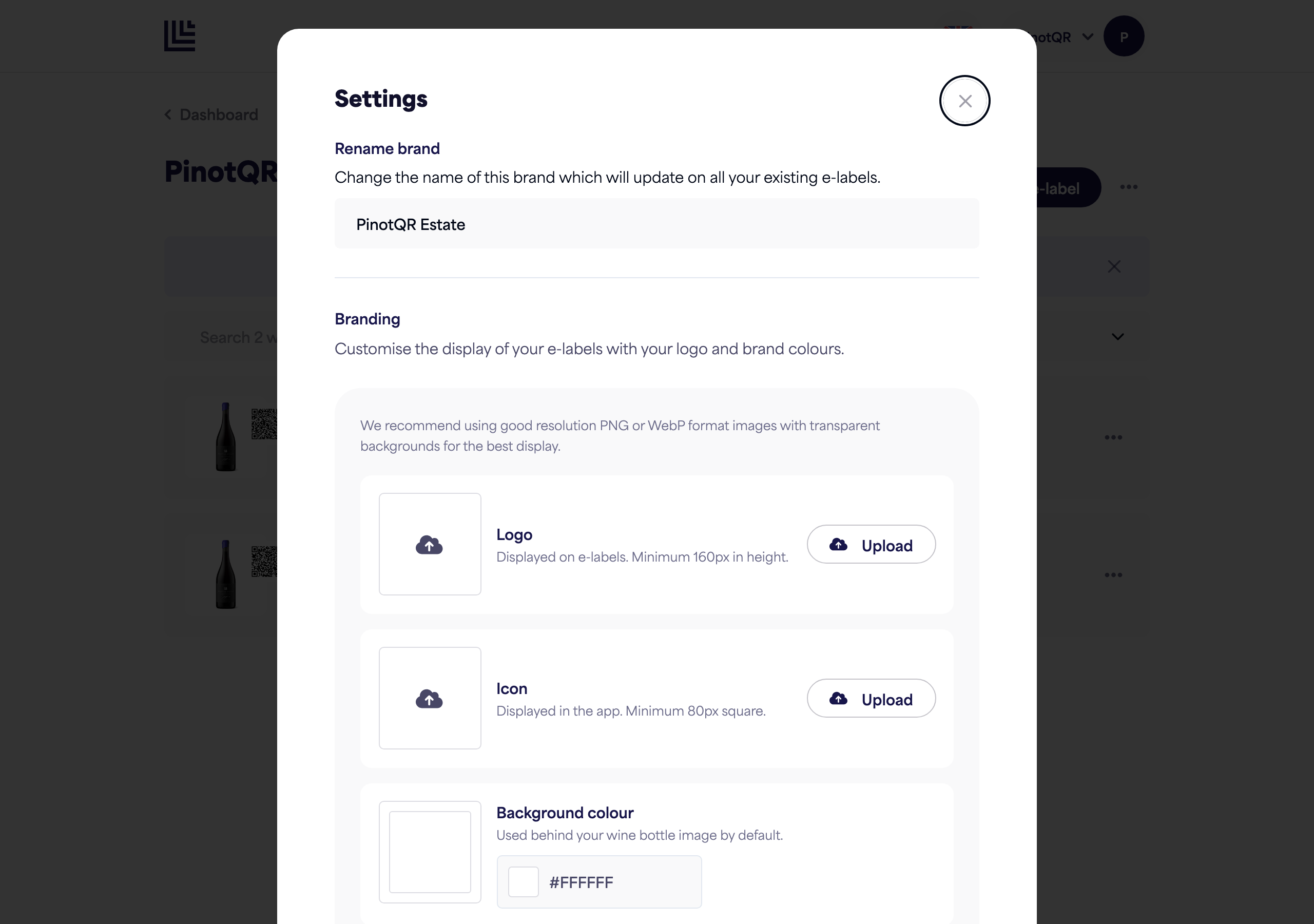
- Open the brand and click Settings.
- Under Rename brand, change the name.
- Click Save changes.
Renaming updates the brand name on all of its existing e-labels instantly — you don’t need to republish anything.
Delete a brand
Only the brand owner can delete a brand.
- Open the brand and click Settings.
- Scroll to Delete brand and click it.
- Confirm the deletion.
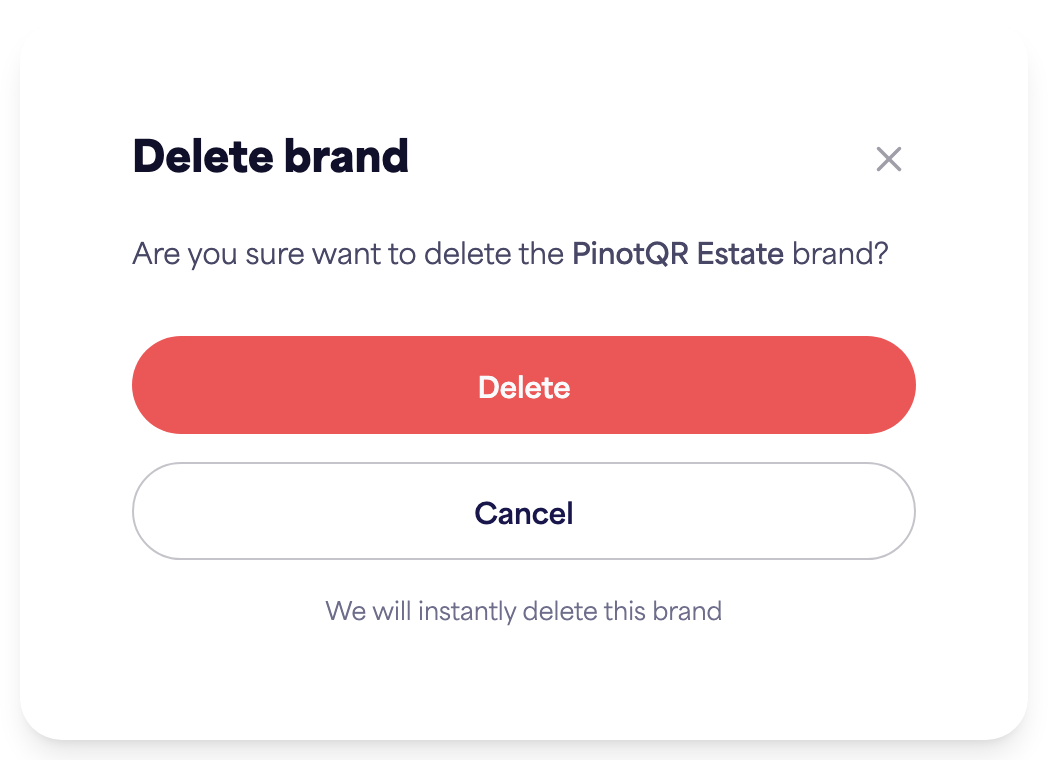
⚠️ Deleting a brand permanently deletes all of its e-labels and their QR codes. Any QR code already printed on a bottle will stop working when scanned. Make sure you no longer need any of the labels before deleting.