Deleting a label
Permanently remove an e-label, and what happens to its QR code.
Deleting an e-label removes it permanently. If you only want to hide it temporarily, unpublish it instead.
Before you delete
If the e-label is published, you must unpublish it first — published e-labels can’t be deleted directly.
Delete a label
- Unpublish the e-label if it’s live.
- Open its actions menu (the ⋯ button) and choose Delete.
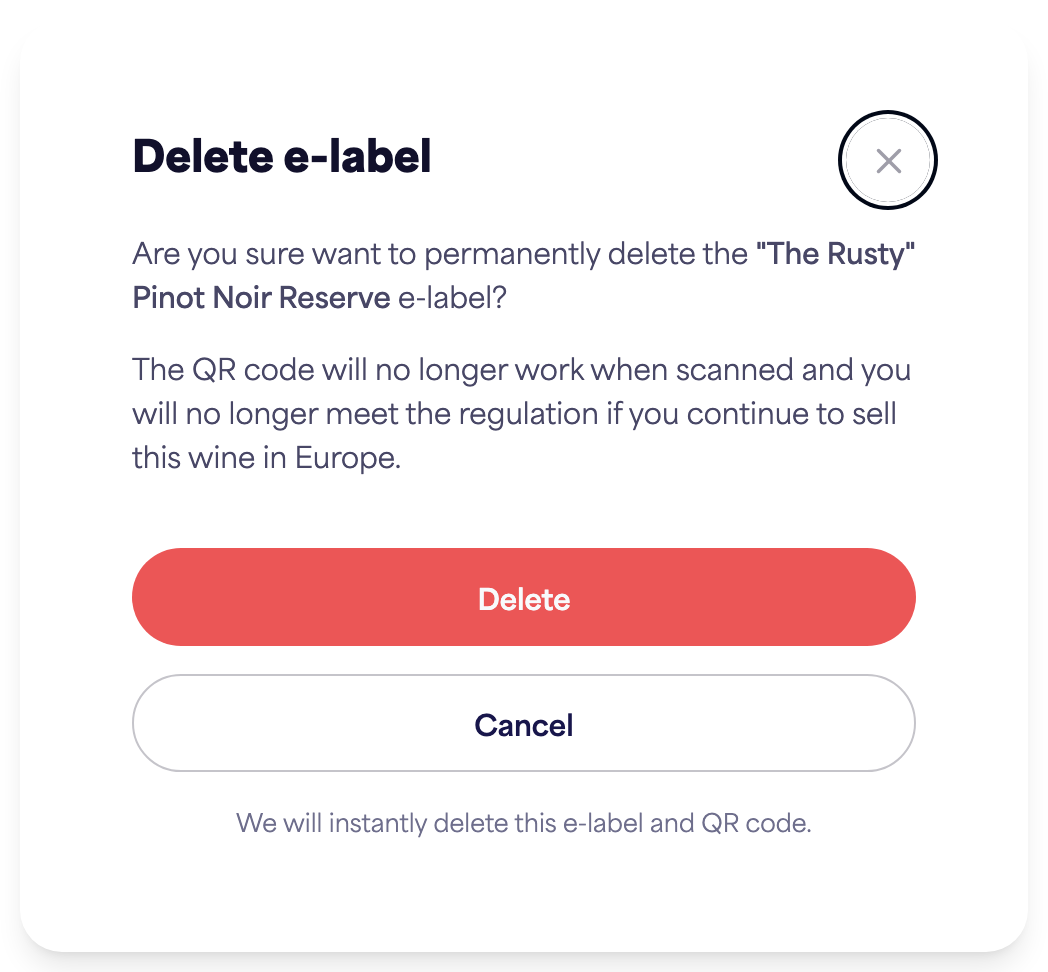
- Confirm the deletion.
What happens
- The e-label and its QR code are deleted instantly.
- The QR code will no longer work when scanned.
- If you continue selling the wine in Europe, you’ll no longer meet the labelling regulation — so only delete labels you’re sure you no longer need.